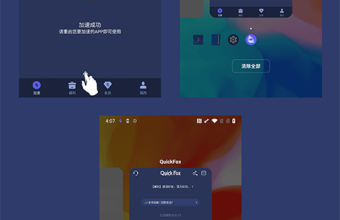



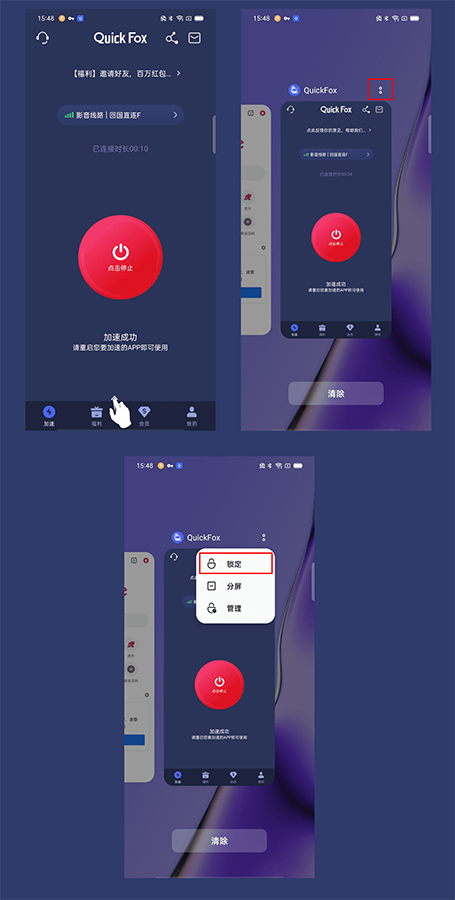
1. [Lock QuickFox] Swipe up from the bottom to pull out the task management interface, click the menu button in the upper right corner of QuickFox, and click Lock to keep it running in the background;
12HourFree for members
New user redemption code
QF51
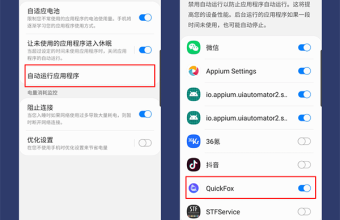
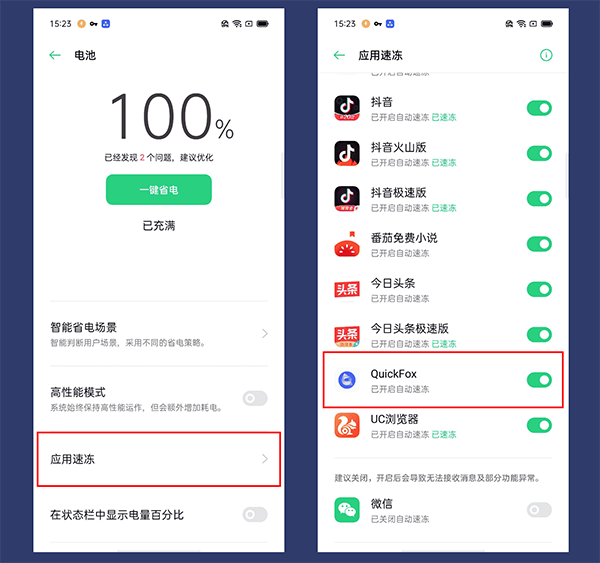
2. [Turn off QuickFox] Open "Settings-Battery", click on QuickFox, and turn off the corresponding switch of QuickFox;
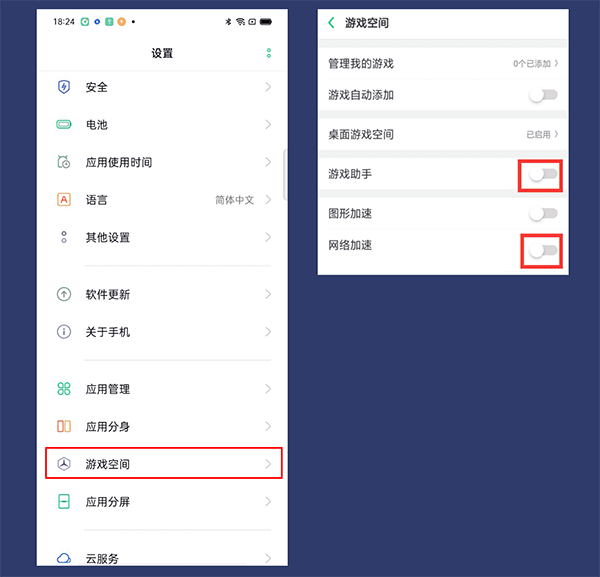
3. [Turn off system acceleration service] Open "Settings-Game Space" in sequence, turn off network acceleration and game assistant;