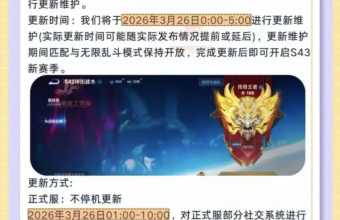
"Reverse War: Future" has officially launched on all platforms. As a sequel to Tencent TiMi's self-developed sci-fi FPS, it supports cross-platform play between PC and mobile devices. It not only inherits classic gameplay elements like the Hunting Grounds and Tower Defense, but also adds new features such as Time-Tracking, attracting a large number of overseas Chinese players eager to return.National ServerTeam up with friends from home to conquer challenges and engage in thrilling mech battles.
However, when logging into the Chinese server from overseas, a series of problems arise: whether through Tencent...GamesWhether logging in via the client, WeGame, or launching the game directly, either a regional restriction pop-up prevents entry, or there is high latency and frequent errors throughout the process.DisconnectionThe momentary lag during mech battles and dungeon runs not only cost you victory but also extinguishes all your enthusiasm for the game.
12小时会员免费领
新用户兑换码
QF51
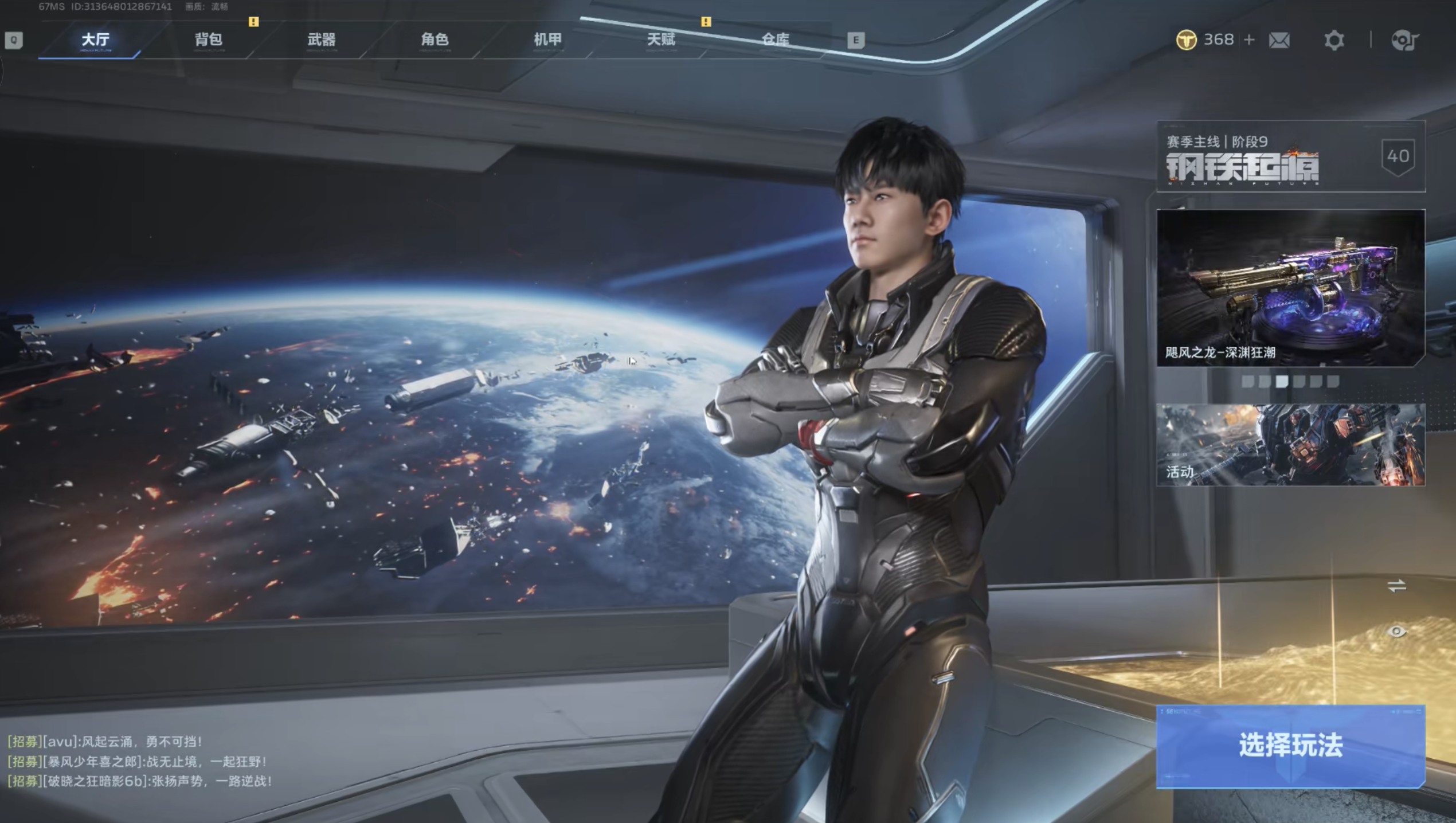
Two core challenges of playing the Chinese version of Counter-Strike Online 2 overseas
- Regional restrictions: "Counter-Strike Online: Future" is currently only available in China and has not been launched in a separate international server. Tencent Games will restrict access for overseas users through IP detection. Whether it is downloading the game, registering an account, or launching the game, overseas IPs will be directly blocked and unable to log in to the Chinese server normally.
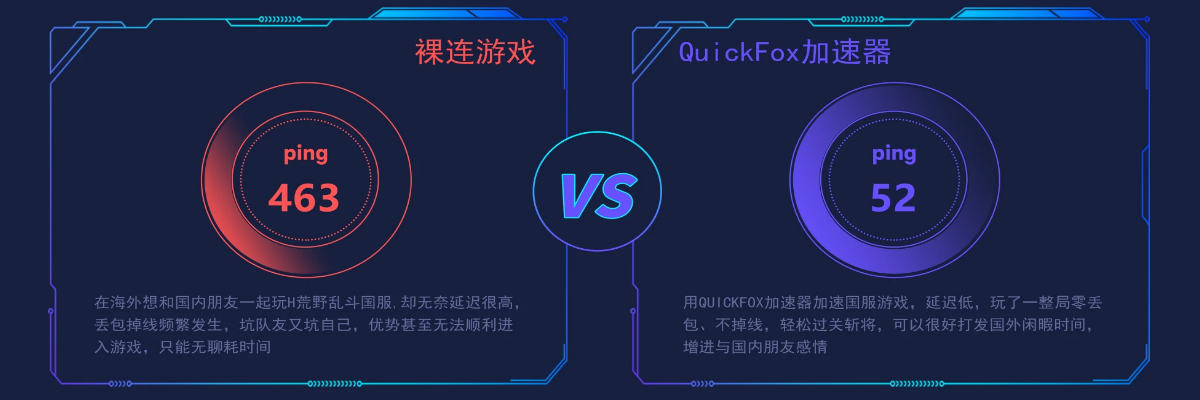
- Lag and disconnections: Even if you manage to bypass the login restrictions, cross-border network congestion can cause latency to soar to over 200-300ms, resulting in aiming errors, skill release delays, and frequent disconnections during dungeon boss battles and multiplayer team battles. This not only seriously affects the gaming experience but may also cause you to miss out on launch-limited benefits and seasonal events.
Use QuickFox, a VPN for returning to China, for a stable connection to the Chinese server without disconnections.
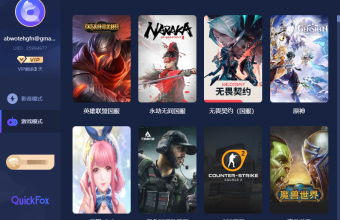
For overseas players playing the Chinese version of "Counter-Strike Online: Future Saga," QuickFox's China Accelerator offers a customized solution, precisely tailored to the game's optimization needs: It connects to a dedicated acceleration line for returning to China with a single click, quickly disguising a domestic IP address, easily unlocking regional restrictions, and smoothly logging into the Tencent Games client and WeGame; simultaneously, it optimizes cross-border network links, significantly reducing game latency and packet loss, achieving stable acceleration throughout the entire process without disconnections. This allows overseas players to smoothly experience mech battles and dungeon raids, enjoy the game synchronously with friends in China, and not miss any launch benefits or seasonal events.
Three steps to unlock: Play the Chinese version of Counter-Strike Online 2 overseas
- Download and install QuickFox Return to China Accelerator (supports both PC and mobile devices, and is compatible with all game platforms).
- Open the software, click "Accelerate Return to China" with one click, select the game-specific line, and wait for the connection to succeed.
- Launch the Tencent Games client, WeGame, or the game "Counter-Strike Online 2" and log in to your account normally to play smoothly and stably without disconnection.
Playing the Chinese version of "Counter-Strike Online: Future War" from overseas? Choose QuickFox, the accelerator for returning to China! Stable, low latency, and uninterrupted connection throughout the game, easily unlock the future battlefield, fight alongside your friends back home, and enjoy the thrill of intense competition!