QuickFox ×

How to watch Times Youth League’s Haikou concert from overseas?

If you are overseas and want to watch the live broadcast of Times Youth League Haikou concert, remember these key points and you can sit firmly in the "cloud stand"! First calculate the time difference (Beijing time 19:40 on May 3-4 corresponds to 6:40 am in New York, 12:40 noon in London, and 9:40 pm in Sydney), set an alarm 1 hour in advance to prevent oversleeping! Then useQuickFox AcceleratorEnable external plug-ins for the network - speed up half an hour in advance and test whether the delay is stable! Live broadcast on platforms such as QQ Music and Kugou. Overseas parties can directly search for "Times Youth League" to enter the live broadcast room and unlock the ultra-clear single-person straight shot! Remember to clear the background of the device and turn off notifications. Turn on the screen recording on the mobile phone and connect the computer to the speakers. If the Wi-Fi is stuck, switch to the mobile hotspot. Install the APP on the backup device in advance just in case. After the broadcast, swipe the barrage and take screenshots frantically. If there is a freeze, change the node to adjust the image quality. Don't forget to clear the cache after the end! Following this set of operations, chasing stars across time differences can be smooth and fly, and you won't miss any details of the performance of the little bombs~?

Download QuickFox for free

Enter the redemption code after downloading.QF51Get 12-Hour Free Membership

时代少年团

Watching domestic sports events live from overseas: Direct connection vs. using QuickFox for acceleration

Overseas direct connection to domestic servers
海外看国内赛事直播:直连 vs 使用 QuickFox 加速 - 海外直连国内服务器
  • The Chinese live stream is restricted by region and cannot be watched.
  • Stuttering, frame drops, and screen lag at crucial moments
  • Frequent disconnections during the live stream caused me to miss some exciting moments.
VS
After using QuickFox to speed up
海外看国内赛事直播:直连 vs 使用 QuickFox 加速 - 使用 QuickFox 加速后
  • Direct connection to China, live Chinese streaming available.
  • High-definition live streaming is more stable and has lower latency.
  • Live broadcasts of events, concerts, etc. can be watched in real time.

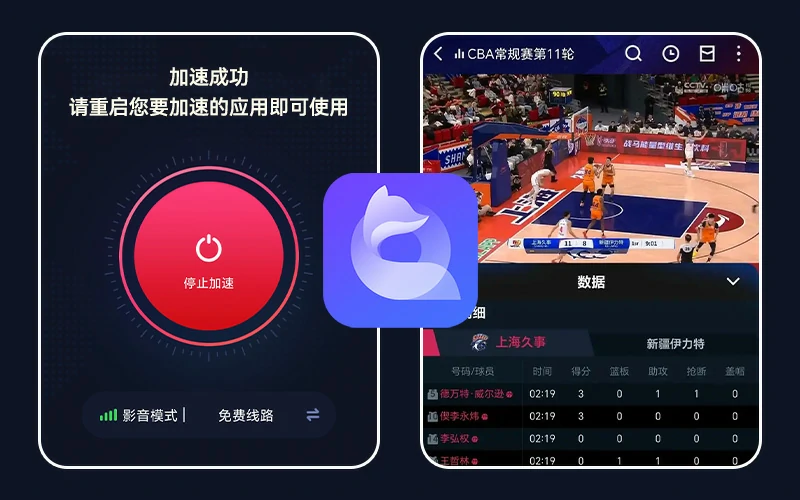
Overseas Chinese and international students encountering regional restrictions or buffering issues when watching live broadcasts of domestic sporting events can use QuickFox, a Chinese accelerator, to unlock these issues with a single click and watch live Chinese broadcasts in real time.

How can I better watch the TNT concert live?

Q: What should I do if the network lags while watching live broadcast?

A: ① Open QuickFox and switch to the "Guangdong/Shanghai" node (delay < 100ms is best); ② Switch to the mobile phone hotspot and close the background APP; ③ Adjust the live broadcast quality to "smooth" mode.

Q: What should I do if payment fails during direct shooting?

A: ① Switch to PayPal or international credit card (Visa/Master) for payment; ② Check the balance of the bank card bound to Alipay/WeChat; ③ Contact the platform customer service (QQ Music customer service: +86 755 3308-3308).

Q: What should I do if the device suddenly crashes/the screen goes black?

A: ① Restart the APP or device (takes effect in 10 seconds); ② Use a spare phone/tablet to log in to your account in advance (install the APP in advance); ③ Switch to Chrome browser and turn on incognito mode if you are a computer user.

Q: What should I do if the time difference is calculated incorrectly/the alarm does not ring?

A: ① UseTimeanddate.com1. Check Beijing time (UTC+8); 2. Set 3 alarms: 1 hour, 30 minutes, and 5 minutes in advance; 3. Ask your friends in China to call you on WeChat before the broadcast.

Q: What should I do if I can’t access the live streaming platform/it crashes?

A: ① Change the backup platform (try Kugou/Kuwo/Kugou in turn); ② Use QuickFox to speed up the web version (QQ Music official website is more stable); ③ Pay attention to the backup links shared by the fan group in real time.

Q: What should I do if the sound/picture is out of sync?

A: ① Exit the live broadcast and re-enter it (90% can solve this problem); ② Turn off the accelerator for 5 seconds and then turn it back on (reset the network connection); ③ Wearing headphones has a higher synchronization rate than using external speakers.

Q: Afraid of missing out on famous scenes and not having enough time to take screenshots/record the screen?

A: ① Open the screen recording on your phone in advance (put it in the background); ② Press "F12" on the computer to open the developer mode, pause the live broadcast and slowly capture the screen; ③ Afterwards, go to Weibo and search for "Times Youth League Haikou Concert Fan Shot".

Core Principles: Prepare "dual devices + dual networks" in advance. If you encounter a problem, change the node/cut the hotspot first. If it cannot be solved within 5 minutes, go to the backup plan directly. Only when you have a stable mentality can you chase stars well! ✨
  • Audio-visual game dedicated line
  • Unlimited data speed
  • Global Nodes
  • Intelligent traffic diversion
  • Universal for all platforms
  • Encrypted transmission

Methods to speed up using QuickFox

QuickFox is simple and easy to use; you can easily enable accelerated access to China in just three steps.

  1. 1
  2. 2

    free registration

    Register using your email address, or log in directly using a third-party account.

  3. 3

    Turn on acceleration with one click

    Click the Accelerate button and restart the application that needs to be accelerated

Download now and experience it!

Download and install now to enjoy 12 hours of membership - Redemption Code QF51

View detailed installation instructions ›


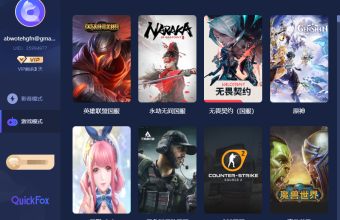
QuickFox supports acceleration for the following domestic applications.

One-click activation of the ultra-fast return-to-China experience

QuickFox: Free access to streaming media and games back in China! One-click acceleration for gaming, drama watching, and live streaming!

Download QuickFox now and experience it!

Quickfox下载