 ×
×
×
×
A common question faced by overseas students is how to use Tencent Maps overseas? Tencent Maps provides detailed geographical information and convenient navigation services, but may encounter copyright restrictions abroad. So, in addition to Tencent Maps, what other domestic navigation software can be used overseas? For example, Amap and Baidu Maps, these applications are extremely popular in China, but they may also face access restrictions overseas. The artifact that solves this problem is Quickfox, which can help overseas users easily unlock these applications. Whether it is Tencent Maps, Amap or Baidu Maps, they can be used freely overseas, making the lives of international students more convenient.
Enter the redemption code after downloading.QF51Get 12-Hour Free Membership

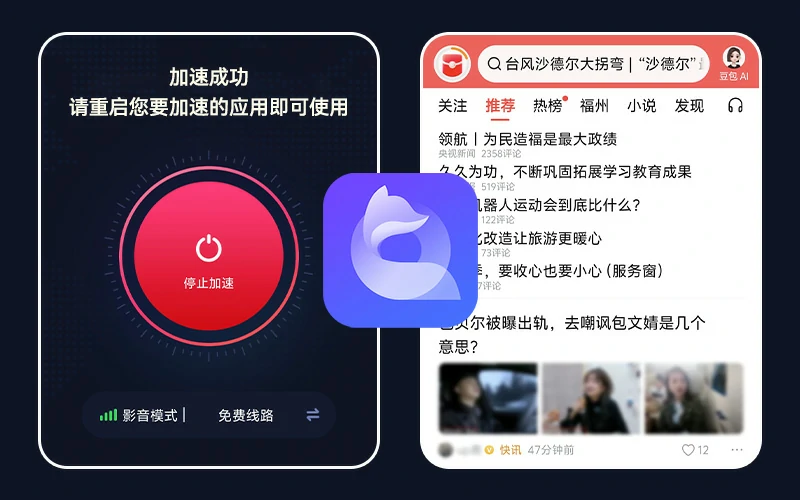
海外华人、留学生使用腾讯地图遇到加载慢、地区限制,使用 QuickFox 回国加速器一键回国,国内 App 使用更顺畅。
Q: What tips or difficulties will overseas students encounter when using Tencent Maps?
Answer: When overseas students use Tencent Maps, they will mainly encounter regional restrictions prompts, such as "This service is not available in your region." This is because copyright restrictions often restrict certain apps from being used in specific regions. In addition, they may also encounter problems with map content not being updated in a timely manner or missing certain features, as these services may be optimized for domestic users.
Question: How do overseas users solve these problems encountered when using Tencent Maps?
A: Overseas users can solve these problems by using tools like Quickfox. Quickfox can help them bypass regional restrictions, allowing them to access and use all functions of Tencent Maps overseas. In addition, it may also provide network acceleration functions to help improve the running speed of applications and the frequency of content updates, so that international students can more smoothly use Tencent Maps for navigation and geolocation queries.
QuickFox is simple and easy to use; you can easily enable accelerated access to China in just three steps.
Download and install QuickFox Return to China Accelerator on your device →
Register using your email address, or log in directly using a third-party account.
Click the Accelerate button and restart the application that needs to be accelerated
Download and install now to enjoy 12 hours of membership - Redemption Code QF51
View detailed installation instructions ›














































































QuickFox: Free access to streaming media and games back in China! One-click acceleration for gaming, drama watching, and live streaming!
Download QuickFox now and experience it!